Simplify vs Sprout: which auto-apply app is better?
Free autofill versus a paid swipe deck: who submits, what each costs, refunds, countries, and ratings, side by side, as of Nov 23, 2026.
By Kevin Tang · Updated November 2026
The short answer
Simplify is better if you want to start free and pick each job yourself; Sprout is better if you want to swipe through jobs and let an agent apply. Simplify's Copilot autofill is free with no limit. Sprout needs a subscription even to see jobs, from $19.99 a week, and can hold each application for review. On November 23, 2026 Sprout's iPhone app had 4.6 stars from 71,699 ratings and Simplify's 4.3 from 40.

Simplify
Free autofill where you submit, plus Autopilot on Simplify+ that submits jobs you pick. On the web, Chrome, and iPhone.

Sprout
Swipe to apply in every industry, with an AI agent and optional Manual Review. On iPhone, Android, and the web, on a subscription.

Arial
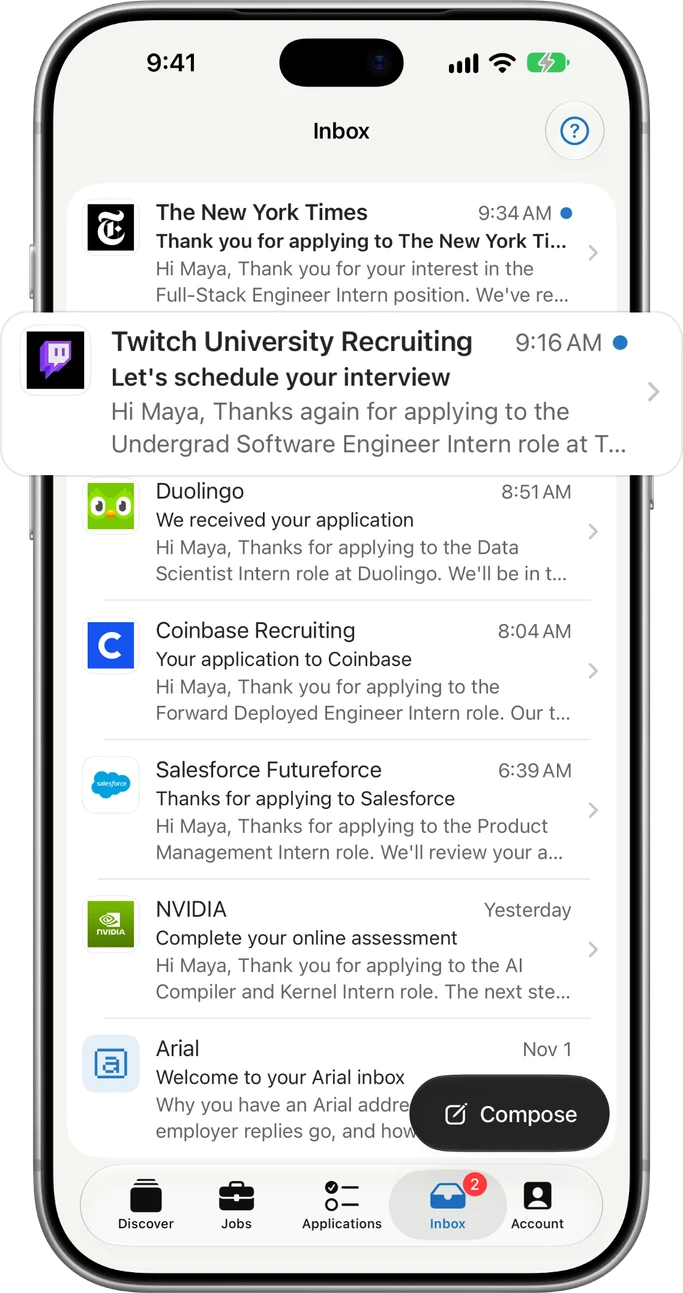
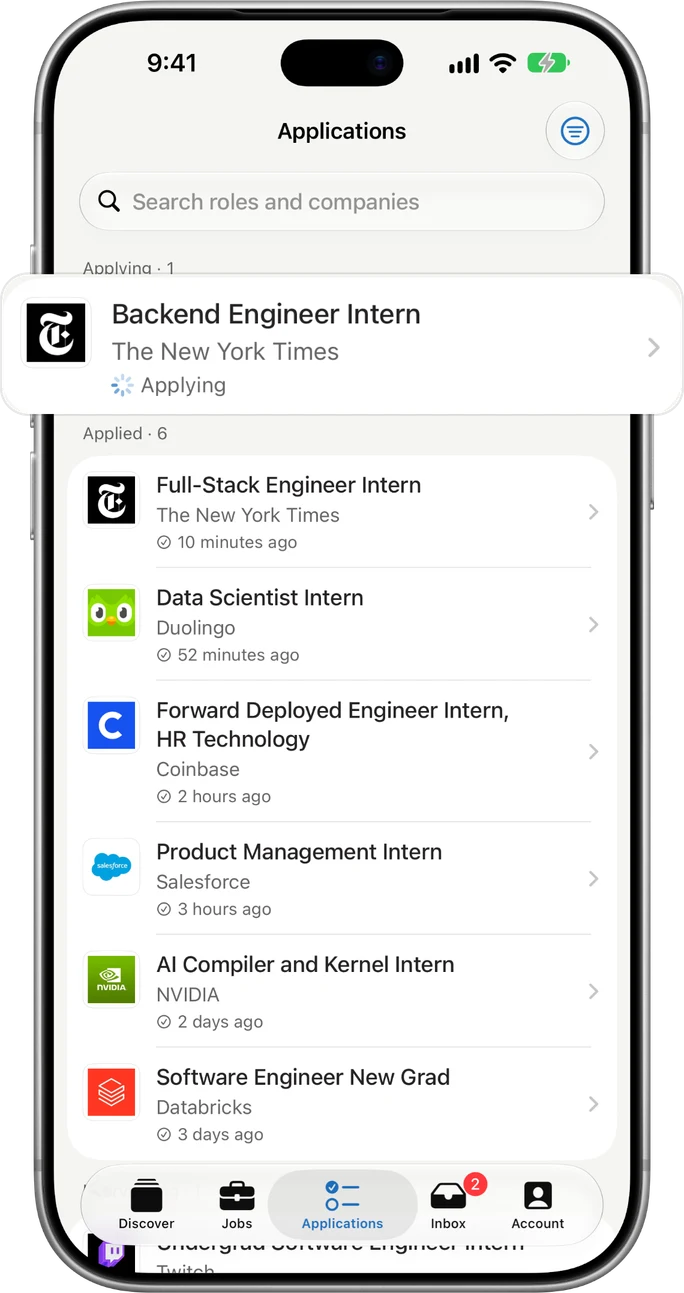
Tech internships and new grad roles: swipe right and the agent submits the application on Greenhouse, Ashby, Workday, Oracle, and Indeed.
Simplify and Sprout are two of the most used AI job application tools, and they work in opposite ways: Simplify starts as a free autofill extension where you submit, and Sprout starts as a paid swipe deck where an agent submits. We make Arial, so everything below about Simplify and Sprout comes from their own websites, help centers, policies, and store listings, read on November 23, 2026. Each claim links to its source.
Simplify vs Sprout at a glance
Scroll sideways to see every column
| Simplify | Sprout | |
|---|---|---|
| Who makes it | Simplify Jobs, Inc., San Francisco | Magnifex AI, Inc.; called Prep AI until August 2025 |
| Jobs | Every field; matches in 10 countries | Every field; 20 countries |
| Free | Copilot autofill with no limit; you submit | Nothing for applying; a subscription is needed to see jobs |
| Paid, on the web | $19.99 a week, $39.99 a month, $89.99 for 3 months | $19.99 a week, $39.99 a month, $79.99 for 3 months |
| Who submits | You with Copilot; Autopilot on Simplify+, no review step | Its agent after a right swipe; Manual Review optional |
| Email on applications | Your own | A Gmail alias of yours, or a Sprout address |
| Refunds | None once a plan is active, with narrow exceptions | Full refund within 7 days if no credits were used |
| U.S. App Store | 4.3 from 40 | 4.6 from 71,699 |
| Android | No app | 4.4 from about 140,000 reviews |
Store figures are from each listing on November 23, 2026. (Simplify AI Job Search, U.S. App Store listing, read November 23, 2026; Sprout - AI Job Search, U.S. App Store listing, read November 23, 2026; Sprout, Google Play listing, read November 23, 2026; Simplify help center, Supported countries and regions; Sprout help center, Which countries does Sprout support?; Simplify help center, What's included in Simplify+ (features and pricing); Sprout, pricing, read November 23, 2026)
Who submits the application
Simplify keeps its two modes apart. Copilot, its free extension, fills in the fields it supports, and you review and submit. Autopilot, on Simplify+, fills in and submits the application on a job you select, with no review step before it sends; it may stop rather than guess an answer, a failed run uses no credit, and every submission is saved with the exact resume and answers sent. Simplify's help center gave two different weekly Autopilot allowances on November 23, 2026: 100 credits in its credit guide and 20 in its pricing article. (Simplify help center, Use Copilot to autofill applications; Simplify help center, Get started with Autopilot; Simplify, AI Auto Apply for Jobs (Autopilot); Simplify help center, Autopilot credits and failed applications, read November 23, 2026; Simplify help center, What's included in Simplify+ (features and pricing))
Sprout asks a few questions about each job you swipe right on, writes a tailored resume and cover letter, and its agent completes the application on the employer's website. With Manual Review on, the swipe goes to a review queue until you approve it. Each application costs 1 credit, or 3 on complex forms such as Workday, and a failed application returns the credit but cannot be retried in the app. Applications go out from a Gmail alias of yours or a Sprout email address, and sponsorship questions are answered from the citizenship status in your profile, conservatively if it is blank. (Sprout - AI Job Search, U.S. App Store listing, read November 23, 2026; Sprout help center, Reviewing applications in the web app; Sprout help center, How credits work; Sprout help center, Why did I run out of application credits?; Sprout help center, Why did Sprout fail to submit my job application?; Sprout help center, Why is the email on my job applications not my personal email?; Sprout help center, My applications say I need sponsorship)
What they cost
Both list $19.99 a week and $39.99 a month on the web; for three months Simplify+ is $89.99 and Sprout $79.99. The difference is what you get free and what a unit means. Simplify's Copilot is free and unlimited, and Simplify+ adds Autopilot. Sprout needs a subscription before you can see jobs, its plans are labeled 50, 200, or 600 applications but billed in credits that reset each cycle, and its iPhone app sells different tiers, still named Prep AI, from $5.49 to $29.99. (Simplify help center, What's included in Simplify+ (features and pricing); Simplify AI Job Search, U.S. App Store listing, read November 23, 2026; Sprout, pricing, read November 23, 2026; Sprout help center, How do I apply to jobs on Sprout?; Sprout help center, How credits work; Sprout - AI Job Search, U.S. App Store listing, read November 23, 2026)
Refunds favor Sprout. Its policy refunds a purchase in full within 7 days if you used no credits. Simplify does not refund an activated plan; the exceptions are a web renewal you did not mean to make, reported within 24 hours, and an extended outage shown to support. iPhone purchases of either go through Apple. (Sprout, Refund Policy, last updated October 12, 2025; Simplify, Simplify+ Refund Policy)
Rather not fill in the forms yourself? Arial fills in and sends Greenhouse, Ashby, Workday, Oracle, and Indeed applications for you. Get the iPhone app.
What their users say
Simplify's iPhone app is newer, with 40 ratings, while its Chrome extension has 4.8 stars from about 3,900 ratings and 500,000 users. Sprout's iPhone and Android apps have far more ratings. Sprout's reviewers complain about the price and the lack of a trial, applications that failed, and the same postings shown again and again; Simplify's complain about refunds refused and search filters. (Simplify AI Job Search, U.S. App Store listing, read November 23, 2026; Simplify Copilot, Chrome Web Store listing, read November 20, 2026; Sprout - AI Job Search, U.S. App Store listing, read November 23, 2026; Sprout, Google Play listing, read November 23, 2026)
Which one to pick
- Pick Simplify to start free, choose every job yourself, and pay only when you want Autopilot to submit for you.
- Pick Sprout if you want to swipe and let an agent apply in any field, especially outside the United States, and want the option to review each application first.
- Pick Arial if you are a student or recent graduate after tech internships and new grad roles. Swipe right in its iPhone app and the agent fills in and submits the employer's form on Greenhouse, Ashby, Workday, Oracle, or Indeed, answering work authorization and sponsorship questions only from your own answers, or asking you. The iPhone app needs a paid plan, with a 3-day free trial on the yearly plan; on the web, your first 15 applications are free.
Arial's App Store listing describes how its agent applies. (Arial: Job Search AI, U.S. App Store listing)
Read nextSprout alternatives: job apps that apply for you
Simplify is a product of Simplify Jobs, Inc. and Sprout of Magnifex AI, Inc., and their logos appear here only to identify them. Arial is not affiliated with either. Prices, ratings, and features change; this page describes what each published on November 23, 2026.
Sources
- Simplify AI Job Search, U.S. App Store listing, read November 23, 2026
- Sprout - AI Job Search, U.S. App Store listing, read November 23, 2026
- Sprout, Google Play listing, read November 23, 2026
- Simplify help center, Supported countries and regions
- Sprout help center, Which countries does Sprout support?
- Simplify help center, What's included in Simplify+ (features and pricing)
- Sprout, pricing, read November 23, 2026
- Simplify help center, Use Copilot to autofill applications
- Simplify help center, Get started with Autopilot
- Simplify, AI Auto Apply for Jobs (Autopilot)
- Simplify help center, Autopilot credits and failed applications, read November 23, 2026
- Sprout help center, Reviewing applications in the web app
- Sprout help center, How credits work
- Sprout help center, Why did I run out of application credits?
- Sprout help center, Why did Sprout fail to submit my job application?
- Sprout help center, Why is the email on my job applications not my personal email?
- Sprout help center, My applications say I need sponsorship
- Sprout help center, How do I apply to jobs on Sprout?
- Sprout, Refund Policy, last updated October 12, 2025
- Simplify, Simplify+ Refund Policy
- Simplify Copilot, Chrome Web Store listing, read November 20, 2026
- Arial: Job Search AI, U.S. App Store listing